









Features

An HMIS built for Kenya, from reception to payroll

Clinor is an HMIS built for Kenya's hospitals and clinics: the patient queue, consultation and EMR, lab, imaging, pharmacy, wards, billing, SHA and insurance claims, eTIMS, stores, finance, HR and payroll, in one login.

Two doctors in white coats review notes together at a desk in a clinic office.

Modules

Every part of the facility, in one system

Each feature has its own page with the detail that matters on the ward and in the office. Your plan decides which modules you use.

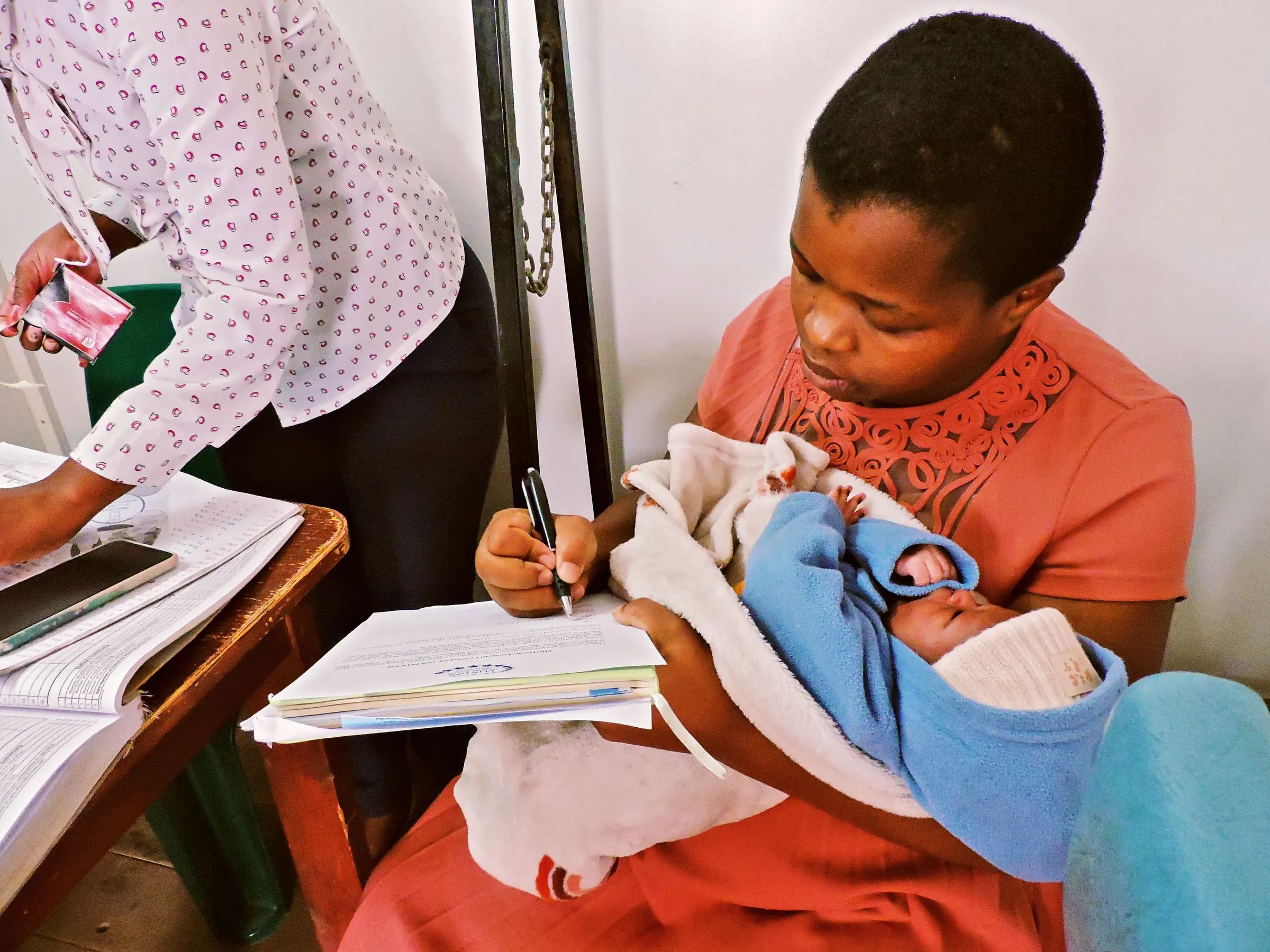
  • A young mother holding her newborn fills in a registration form at a clinic desk while a staff member sorts paperwork.
    Patients

    Patient registration & records

    Clinor is a patient management system for Kenyan hospitals and clinics. Register each patient once with a unique patient number, catch duplicates before they multiply, and keep consent, visits and bills on one record.

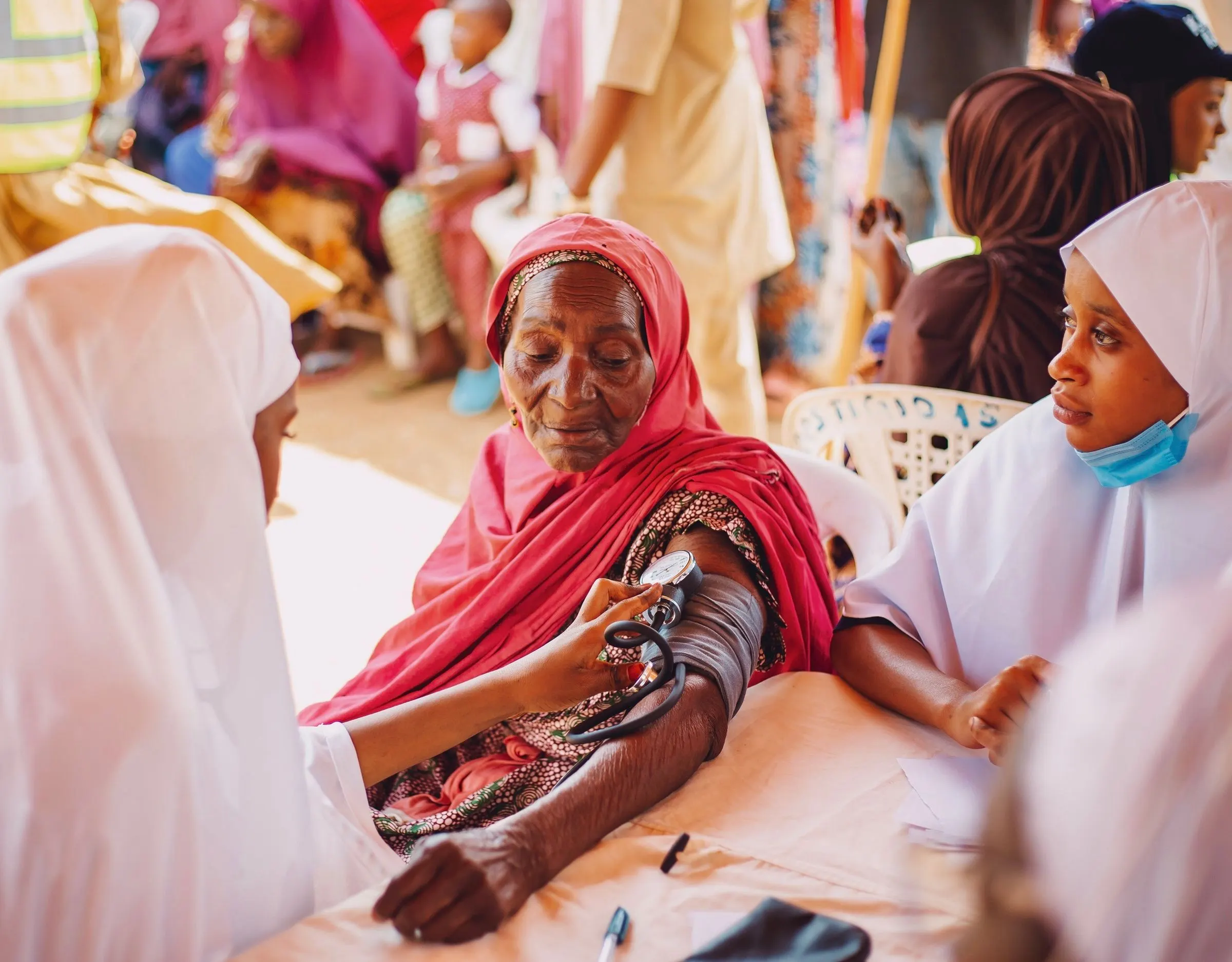
  • An older woman in a red headscarf has her blood pressure taken by health workers at a busy community clinic.
    Patients

    Patient queue & triage

    Clinor's patient queue management system shows every open visit by stage: awaiting triage, awaiting consultation and in consultation. Patients waiting for a clinician are ordered by triage acuity, then by arrival time, and the screen refreshes every 30 seconds.

  • A doctor talks with a patient across a consultation desk while a blood pressure cuff is fitted on the patient's arm.
    Clinical

    Consultation & EMR

    Clinor keeps electronic medical records for Kenyan hospitals and clinics in one place. Clinicians write visit notes, code diagnoses in ICD-11 and send lab, imaging, procedure and prescription orders straight from the consultation.

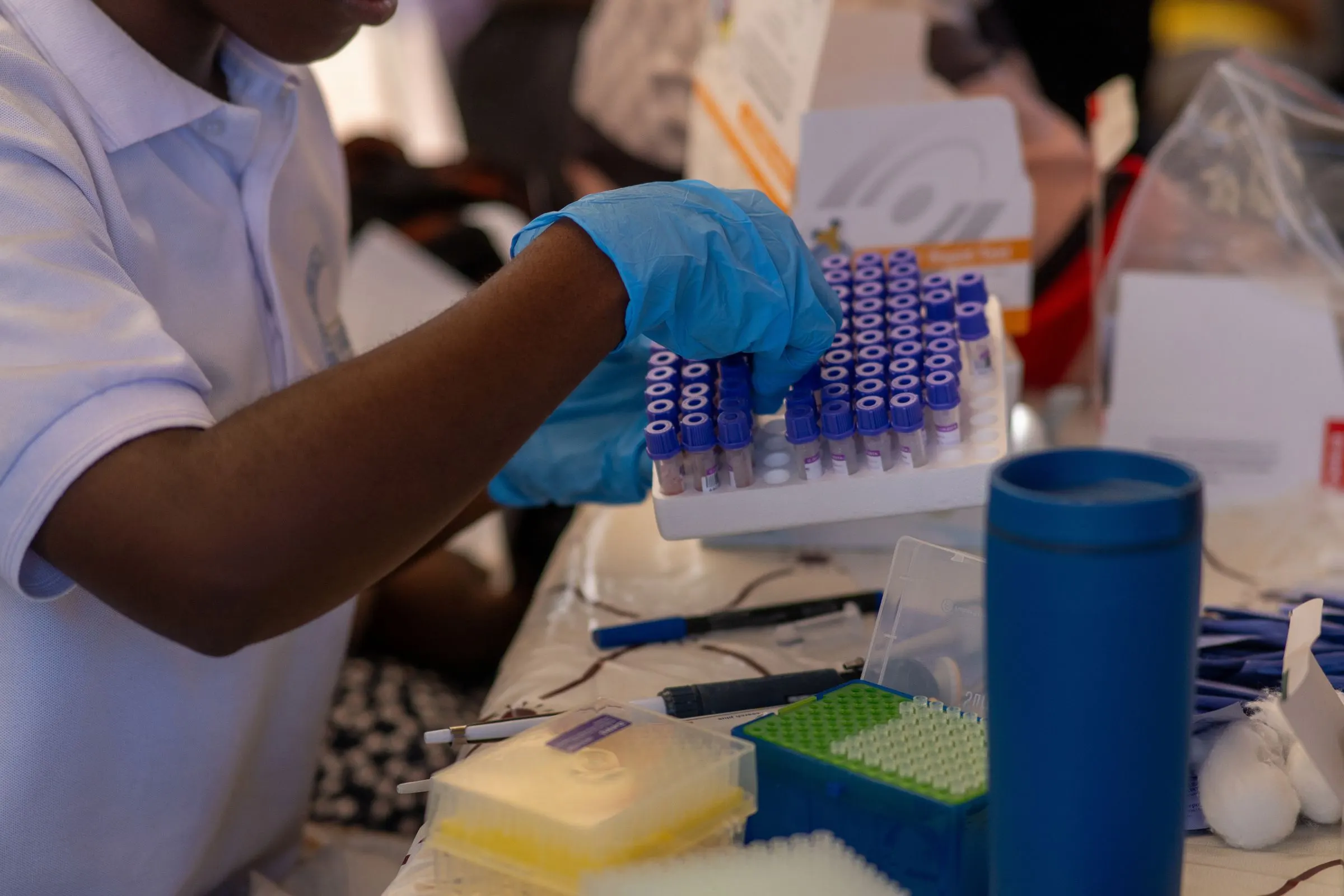
  • A laboratory technician in blue gloves arranges a rack of capped sample tubes on a work bench.
    Departments

    Laboratory

    Clinor's laboratory information system for Kenyan hospitals and clinics runs every test through one worklist, from the clinician's order to specimen collection, result entry, verification and review. Tests are billed as they are ordered, so the lab knows what it has earned and what is still outstanding.

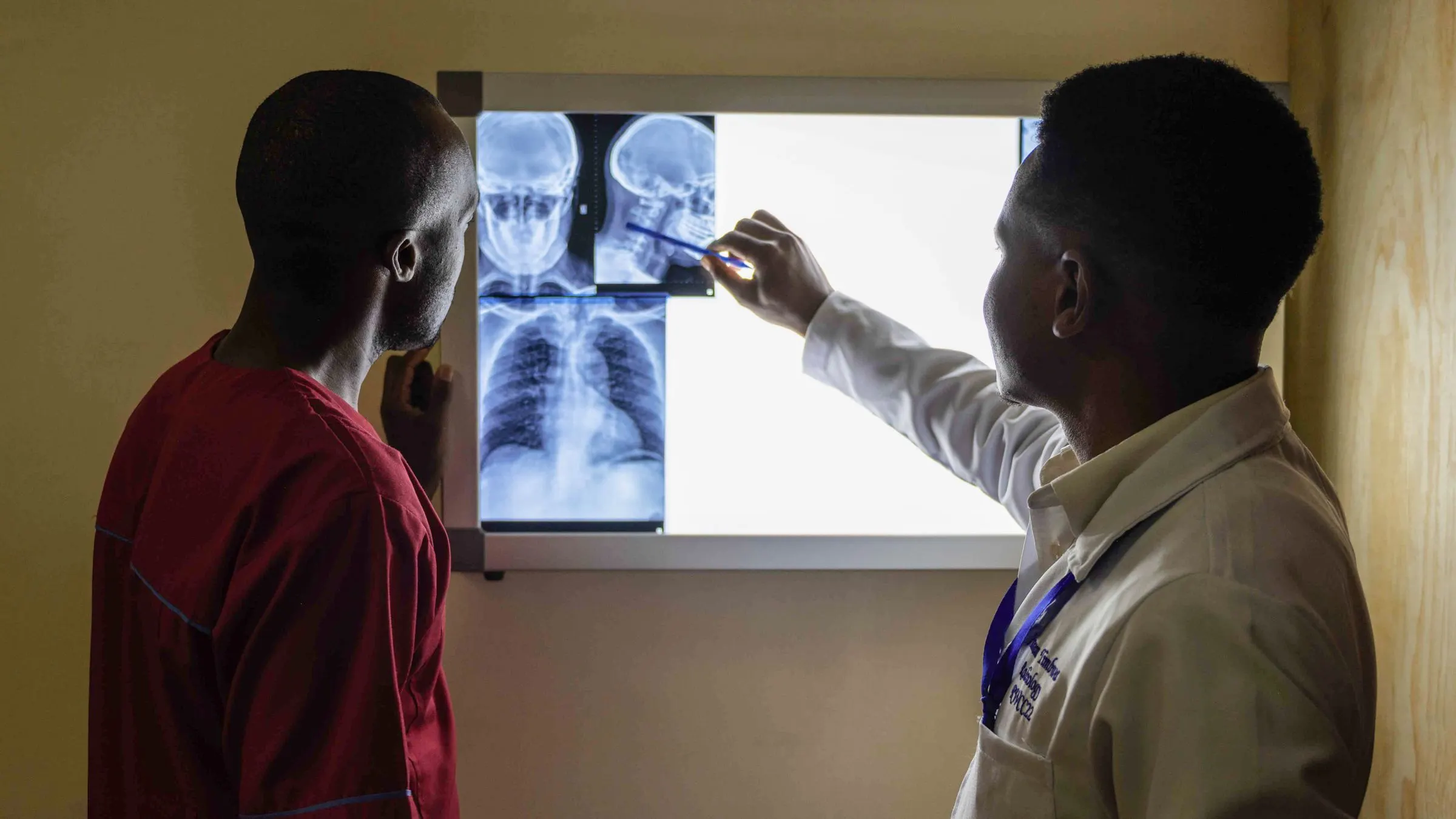
  • A doctor points to a chest X-ray on a light box while explaining it to a patient.
    Departments

    Imaging & radiology

    Clinor's hospital imaging software runs every imaging request through one worklist, from the clinician's order to a verified and reviewed result. Imaging files, including DICOM files, are stored with the study, and every view is audited.

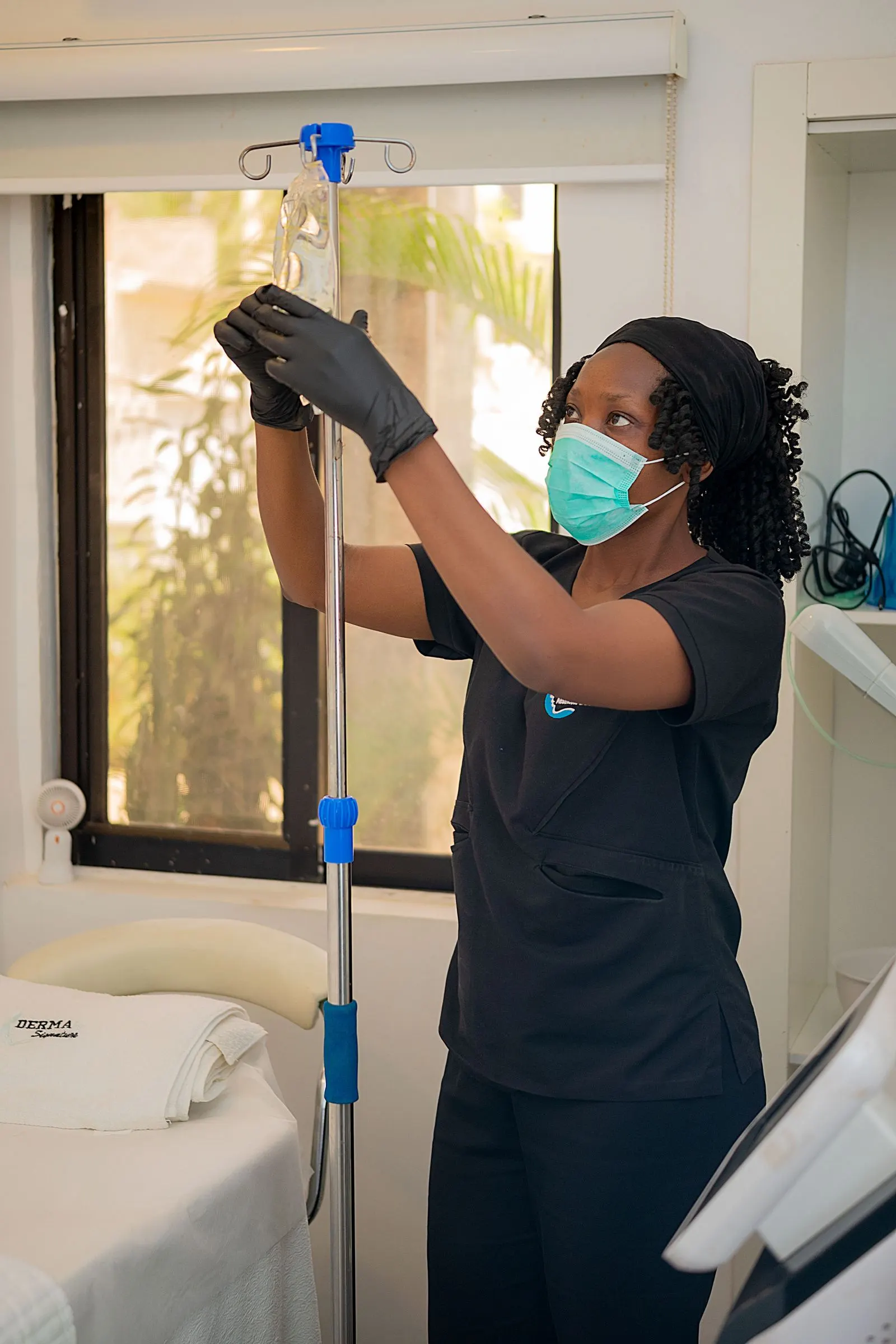
  • A nurse in black scrubs, mask and gloves adjusts an IV drip stand in a clean treatment room.
    Departments

    Procedures & consumables

    Clinor's procedure management system records each procedure ordered from the visit and the consumables used, drawn from stock earliest-expiry first. A Procedure consumables report with CSV export and reconciliation shows where every item went.

  • A pharmacist in a white shirt shows a medicine bottle to a customer among well-stocked pharmacy shelves.
    Departments

    Pharmacy & POS

    Clinor is a pharmacy POS for Kenyan hospitals and clinics: dispense against prescriptions from the consultation and sell to walk-in customers from the same stock. Cashier shifts, held sales and every sale sent to KRA eTIMS keep the till and the shelf in step.

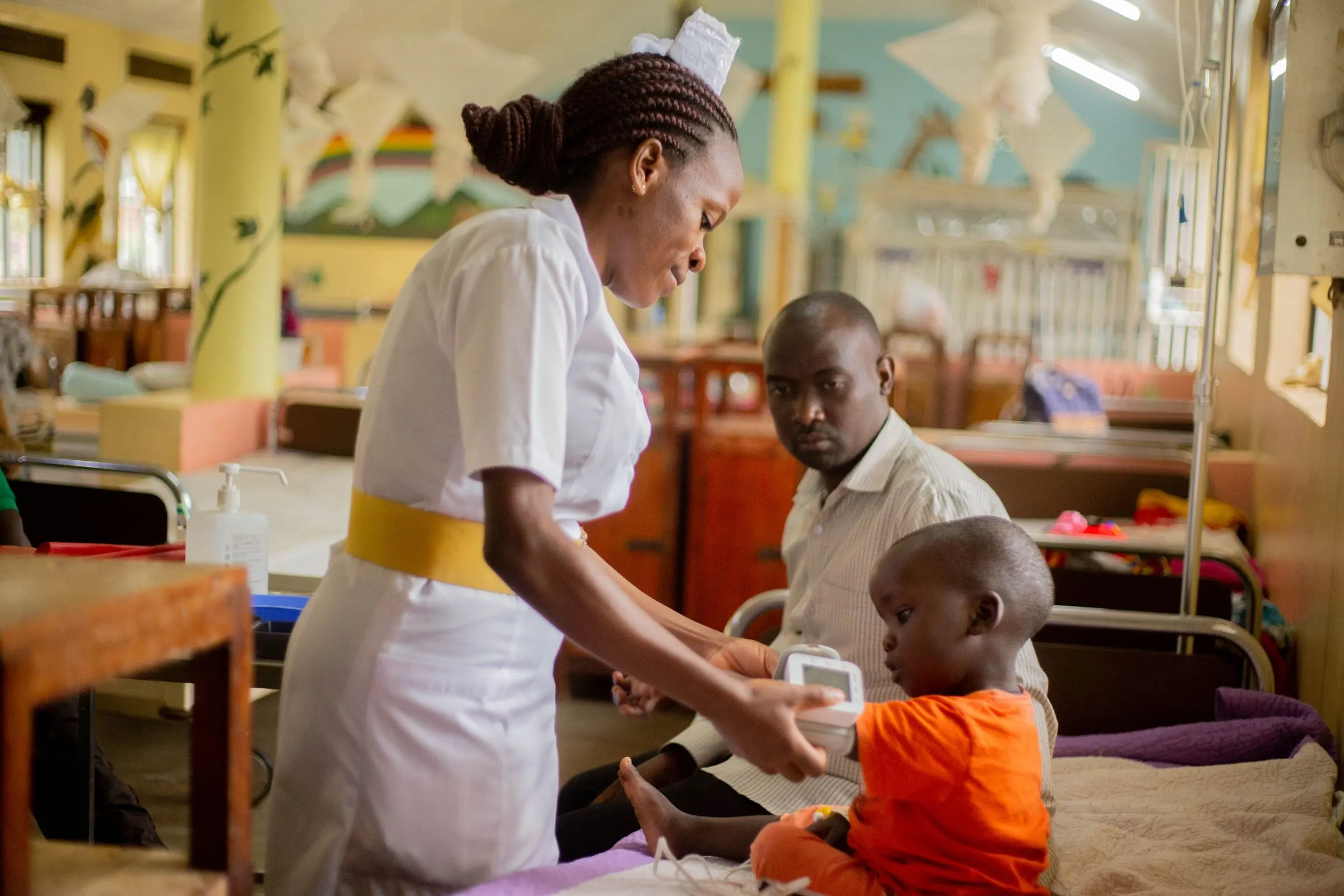
  • A nurse uses a small monitor to check on a young child sitting on a hospital bed while the child's guardian looks on.
    Clinical

    Admissions, wards & beds

    Clinor's inpatient management system tracks every admission from bed allocation to discharge. A dashboard shows current admissions, patients awaiting a bed, discharges and deaths today and bed occupancy, and discharge follows a five-step checklist that includes a financial review.

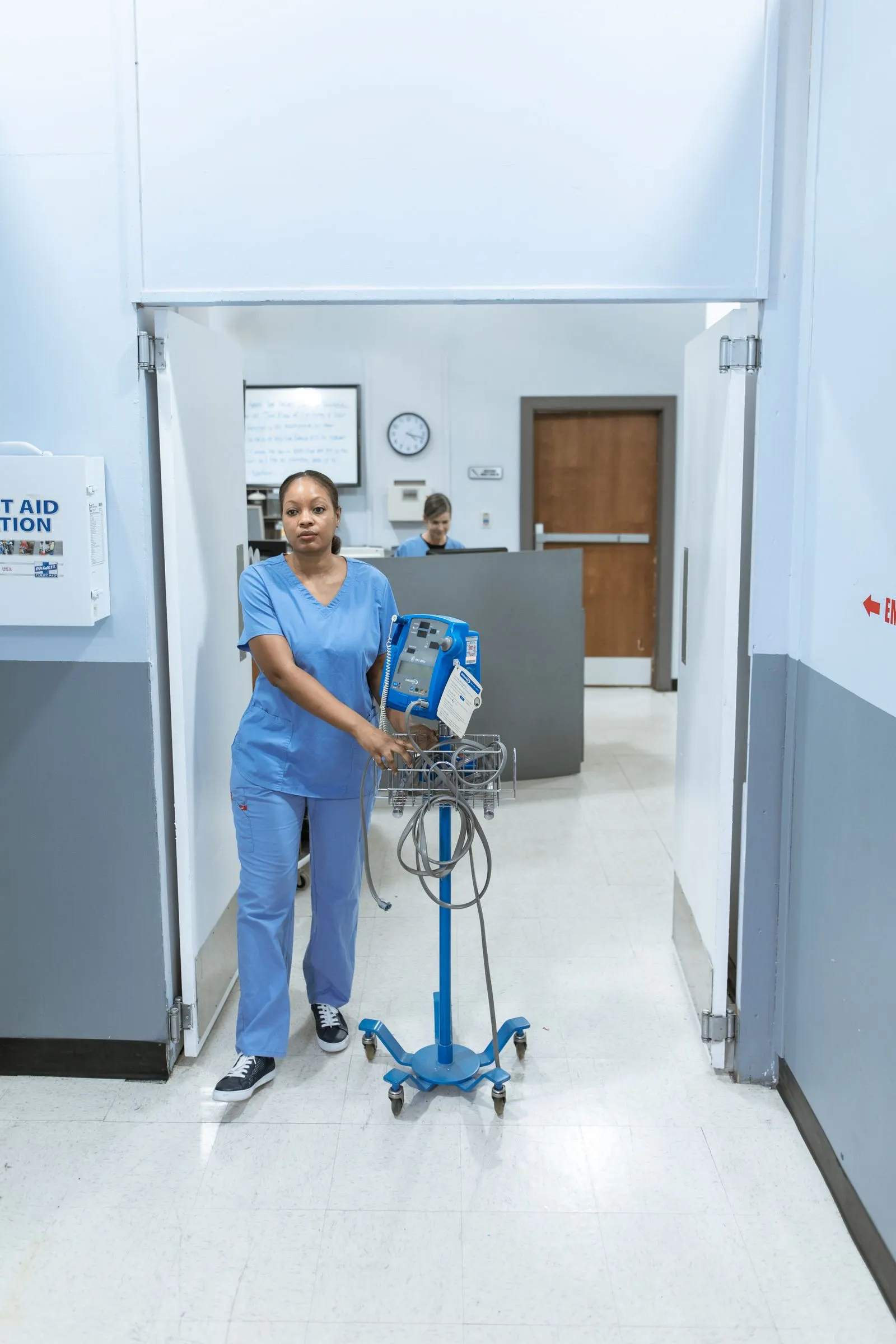
  • A nurse in blue scrubs wheels a monitor stand along a hospital corridor.
    Departments

    Mortuary

    Clinor's mortuary management system records every body in your care: where it is stored, when it was received, every move and the authorised release and hand-over to the family. Each step is recorded.

  • A smiling doctor in a white coat talks on the phone while writing notes in a notebook.
    Patients

    Follow-up appointments

    Clinor's hospital appointment system books follow-ups from the patient file, the visit or the discharge checklist, so patients leave with a date. On the Professional and Enterprise plans, Clinor also sends an SMS reminder and keeps a reminder log for each appointment.

  • A smiling attendant seated at the counter of a well-stocked pharmacy.
    Money

    Billing & cashier

    Clinor is a hospital billing system for Kenyan facilities that adds every consultation, test, scan, procedure and drug to a running bill as it is ordered. Each bill splits what the patient owes from what SHA or the insurer owes, so cashiers collect the right amount.

  • An office administrator stamps documents at his desk beside a laptop and stacks of paper files.
    Money

    SHA & insurance claims

    Clinor is SHA claims software for Kenyan hospitals and clinics: on every SHA visit, each bill line becomes a claim line as it happens, and the claim is submitted to SHA electronically from Clinor. Private insurers follow the same claim statuses, and every decision and payment is tracked to the end.

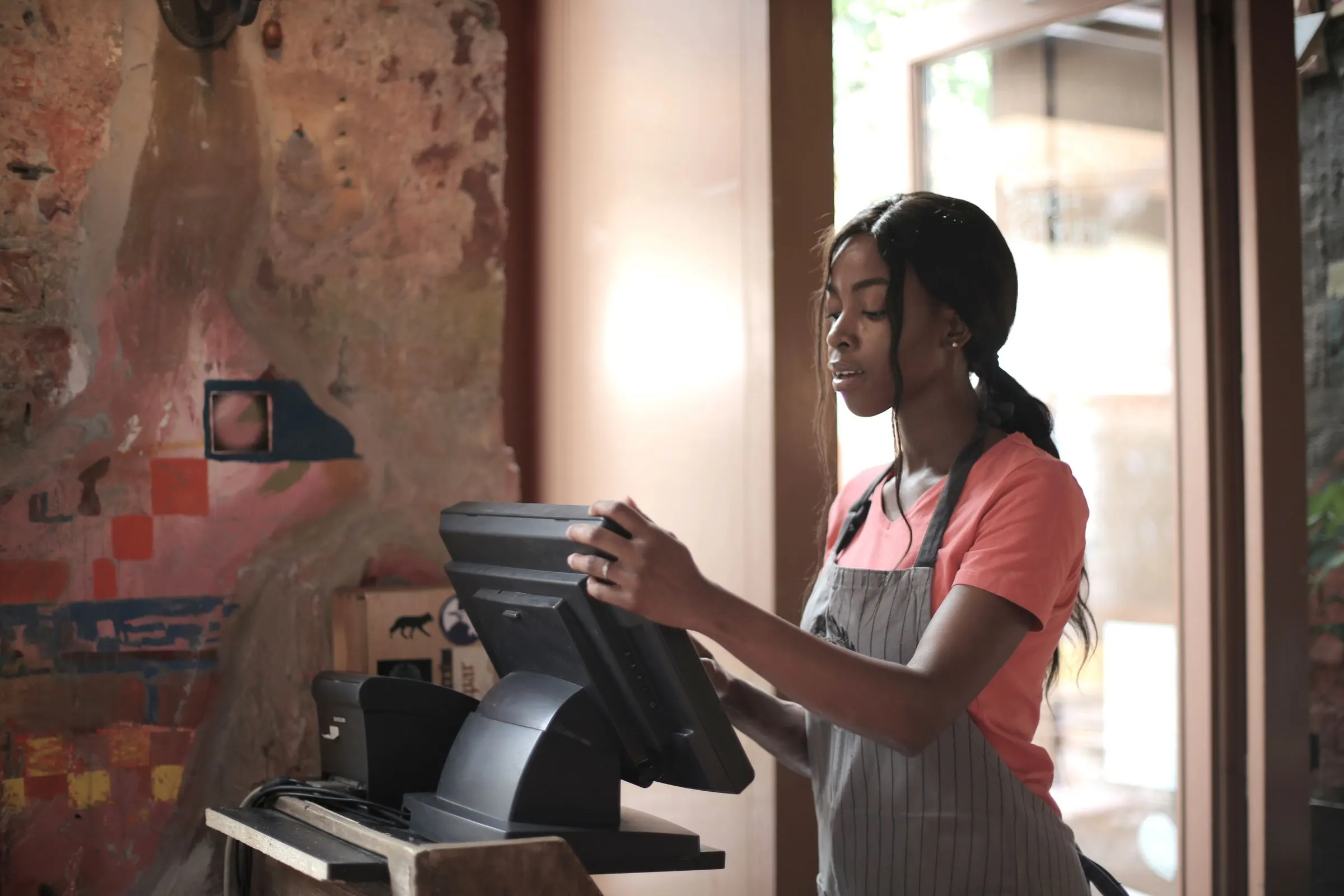
  • A cashier in an apron operates a point-of-sale till at a shop counter.
    Money

    KRA eTIMS

    Clinor handles eTIMS hospital billing for you: every patient invoice and every pharmacy POS sale is transmitted to KRA eTIMS, with credit notes for refunds, waivers and voids. A transmission log with retries and reconciliation lets you check every transmission.

  • A finance officer in a white shirt counts cash and checks figures on a calculator at his desk.
    Back office

    Finance & accounts

    Clinor's hospital finance software keeps your accounts, expenses and budgets in the same system as your billing. Expenses go through approval levels with separation of duties, budgets are checked against actual spending, and the finance overview shows where the money stands.

  • A worker holding a notebook checks stacked cartons in a storeroom.
    Back office

    Supplies & inventory

    Clinor is a hospital inventory management system for Kenyan facilities that tracks every item by batch and expiry date, issues earliest-expiry first and records every transfer between stores. Minimum, reorder and maximum levels per store, with daily stock alerts, show what to order before it runs out.

  • Five smiling nursing students in blue scrubs stand together outdoors.
    Back office

    HR & payroll

    Clinor's hospital HR and payroll software keeps every employee's department, position, contract and leave on record. On the Enterprise plan, payroll runs work out PAYE, NSSF, SHIF and the Housing Levy, produce payslip PDFs and statutory schedules, and compare one run with another.

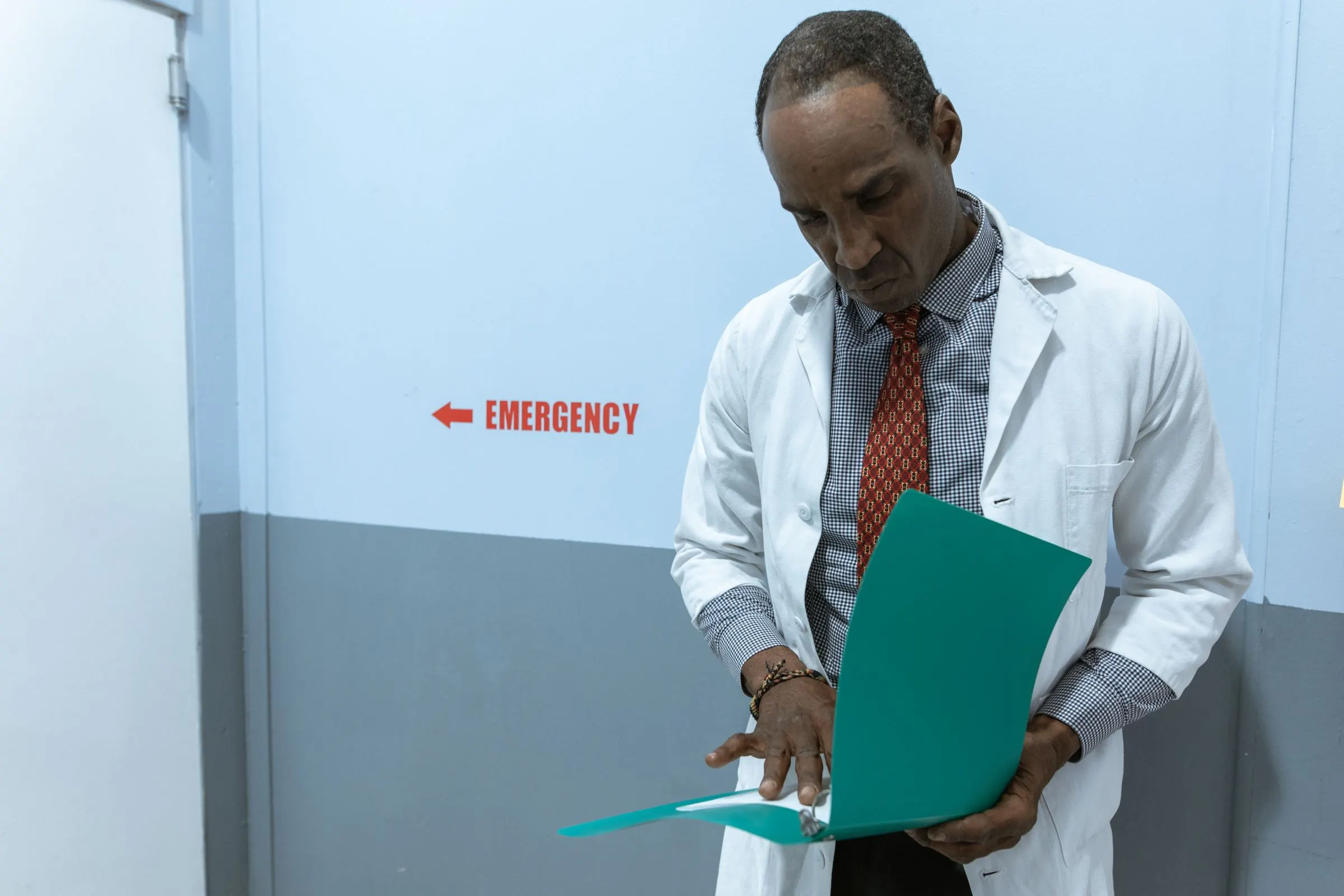
  • A senior doctor in a white coat and tie reviews papers in a green folder in a hospital corridor.
    Oversight

    Reports

    Clinor gives you 14 hospital management reports, from the MOH-style facility summary to collections and outstanding balances, each built from the records your staff already keep. Every report exports to CSV and PDF.

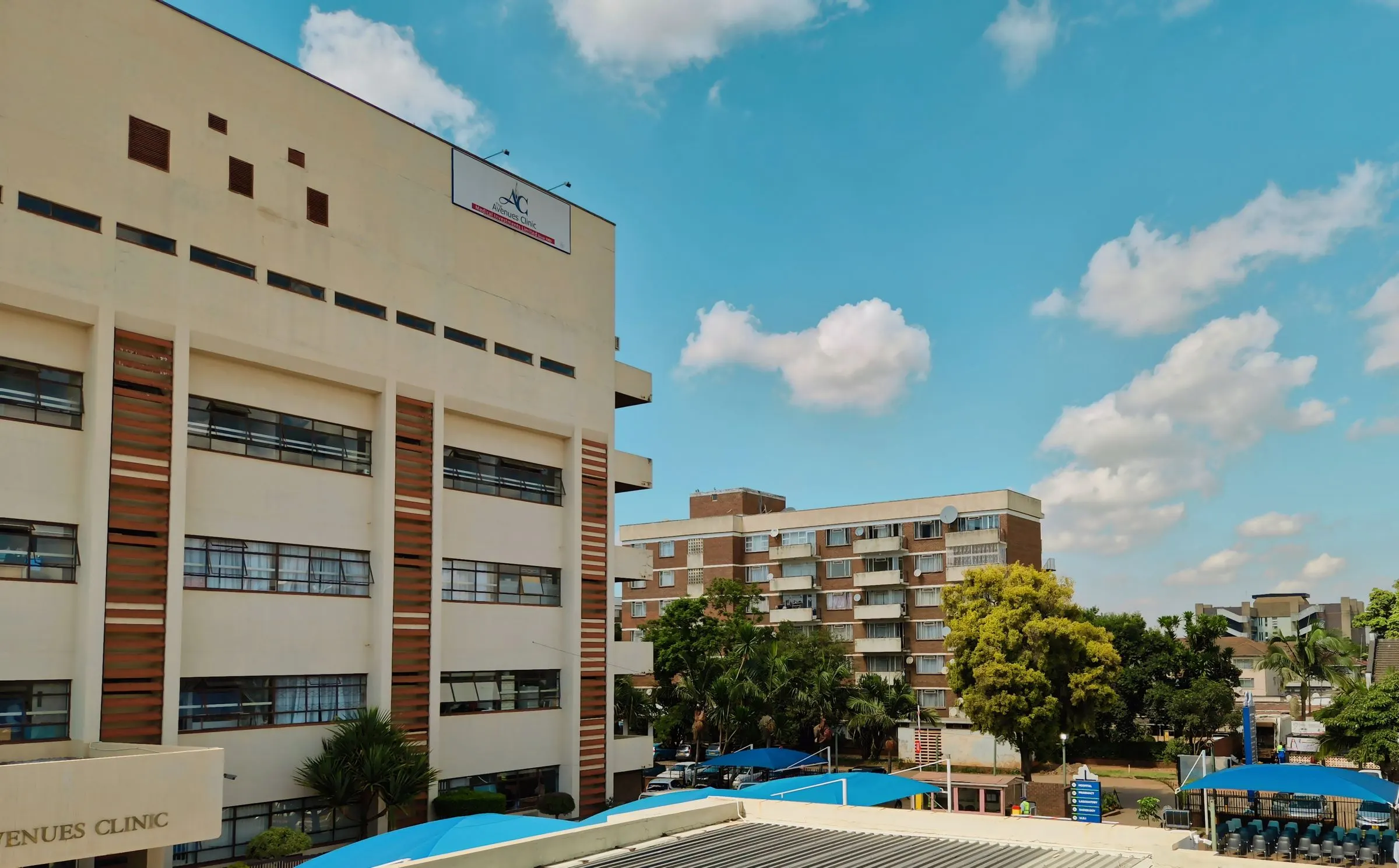
  • A multi-storey hospital building under a blue sky in Harare, Zimbabwe.
    Oversight

    Multi-branch & clinics

    Clinor is a multi-branch hospital management system: set up each branch and the clinics within it, and run them all from one account. Roles can be limited to particular branches or clinics, and users to particular clinics, stores or finance accounts.

The patient journey

Register, triage, consult, test, bill, claim

Every step adds to the same visit, so what the patient received is exactly what the bill and the claim show.

  1. Register

    Patient number, consent and a duplicate check at reception.

    Patient records
  2. Triage

    Vitals and acuity put the most urgent patients first.

    Queue & triage
  3. Consult

    Notes, ICD-11 diagnoses and orders from one screen.

    Consultation & EMR
  4. Lab & pharmacy

    Orders land on the lab worklist and at the pharmacy counter.

    Laboratory
  5. Bill

    Each service is charged as it happens, split by patient and payer.

    Billing
  6. Claim

    SHA and insurance claims are built from the visit and sent.

    Claims

On every plan

Works the way Kenyan facilities work

  • Phone, tablet or desktop

    Runs in the browser at reception, on the ward and in the office. Nothing to install.

  • Roles and audit trail

    Each user sees only what their role allows, and every change is logged.

  • Branches and clinics

    Every visit, bill and stock movement belongs to a branch and a clinic.

  • PDFs and CSV

    Bills, receipts, statements, payslips and reports, ready to print or send.

How it works

Go live in 5 days

We set Clinor up with you, so on day five your patients are registered, triaged, treated, billed and claimed in one system.

  1. Day 1

    Demo & setup

    We show Clinor with a facility like yours, then set up your branches, clinics, service fees and user logins.

  2. Day 2

    Your data in

    Your drug list, price list, opening stock and active patients, loaded with our team.

  3. Day 3

    Insurers, SHA & eTIMS

    Insurers and schemes set up, SHA interventions mapped to your services, and eTIMS and tax settings switched on.

  4. Day 4

    Training by department

    Reception, nurses, doctors, the lab, the pharmacy and accounts, each trained on their own work.

  5. Day 5

    Go live

    Your first patients run on Clinor, with our team on-site or on a call to help.

WhatsApp