
Money
A hospital billing system for Kenya that bills every service as it happens
Clinor is a hospital billing system for Kenyan facilities that adds every consultation, test, scan, procedure and drug to a running bill as it is ordered. Each bill splits what the patient owes from what SHA or the insurer owes, so cashiers collect the right amount.
Available on Starter, Professional and Enterprise · see pricing

The problem
What goes wrong without it
Services slip through without being billed: a test run on a verbal request, a drug given on the ward, a dressing never written down. Patients leave before they pay. At month end nobody can say how much SHA and each insurer owe, or for how long.
How Clinor handles it
Clinor's hospital billing system for Kenyan facilities is built on one rule: a service is billed when it is ordered, not when someone remembers to write it down.
A running bill for every visit
When a visit opens, Clinor starts a running bill. Each service is added as it is ordered or dispensed: the consultation fee, lab tests, imaging, procedures, and drugs from the pharmacy. Prices come from the service fees you set up, so the bill follows your price list, not the cashier's memory.
Clear bill statuses
Every bill shows where it stands:
- Running: the visit is still open and services are being added
- Unpaid: the bill is final and nothing has been paid
- Partially paid: a balance remains
- Fully settled: nothing is left to pay
- Void: cancelled, with the record kept
Patient share and payer share
For a patient covered by SHA or an insurer, each bill splits the patient's share from what the payer owes. The cashier collects the patient's share, and the payer's share goes to SHA and insurance claims. On an SHA visit, every bill line becomes a claim line as it happens, so the claim is ready when the patient leaves.
No service before payment or cover
Financial clearance works department by department. Where it is on, a service such as a lab test or a scan waits until it is paid for or covered, so departments do not deliver services that will never be paid for.
Discharge from a ward waits for a financial review. An authorised user can override the hold with a reason, which stays on record.
Payments, receipts and waivers
Record each payment as cash, M-Pesa, card, bank or insurance, with its reference. Bills, receipts and patient statements are PDFs you can print or share. Waivers and SHA write-offs are recorded on the bill, so every shilling that was not collected has a reason on file.
Every invoice on KRA eTIMS
Each patient invoice is transmitted to KRA eTIMS, and refunds, waivers and voids go through as credit notes. See KRA eTIMS.
Who owes you, and for how long
Receivables aging is broken down by payer: SHA and each insurer. Print a payer statement or export the aging to CSV for your follow-up meetings. The billing, collections and outstanding report shows what was billed, collected and still owed for any period, with CSV and PDF export. Accounts, expenses and budgets are in finance and accounts.
A cashier desk that balances
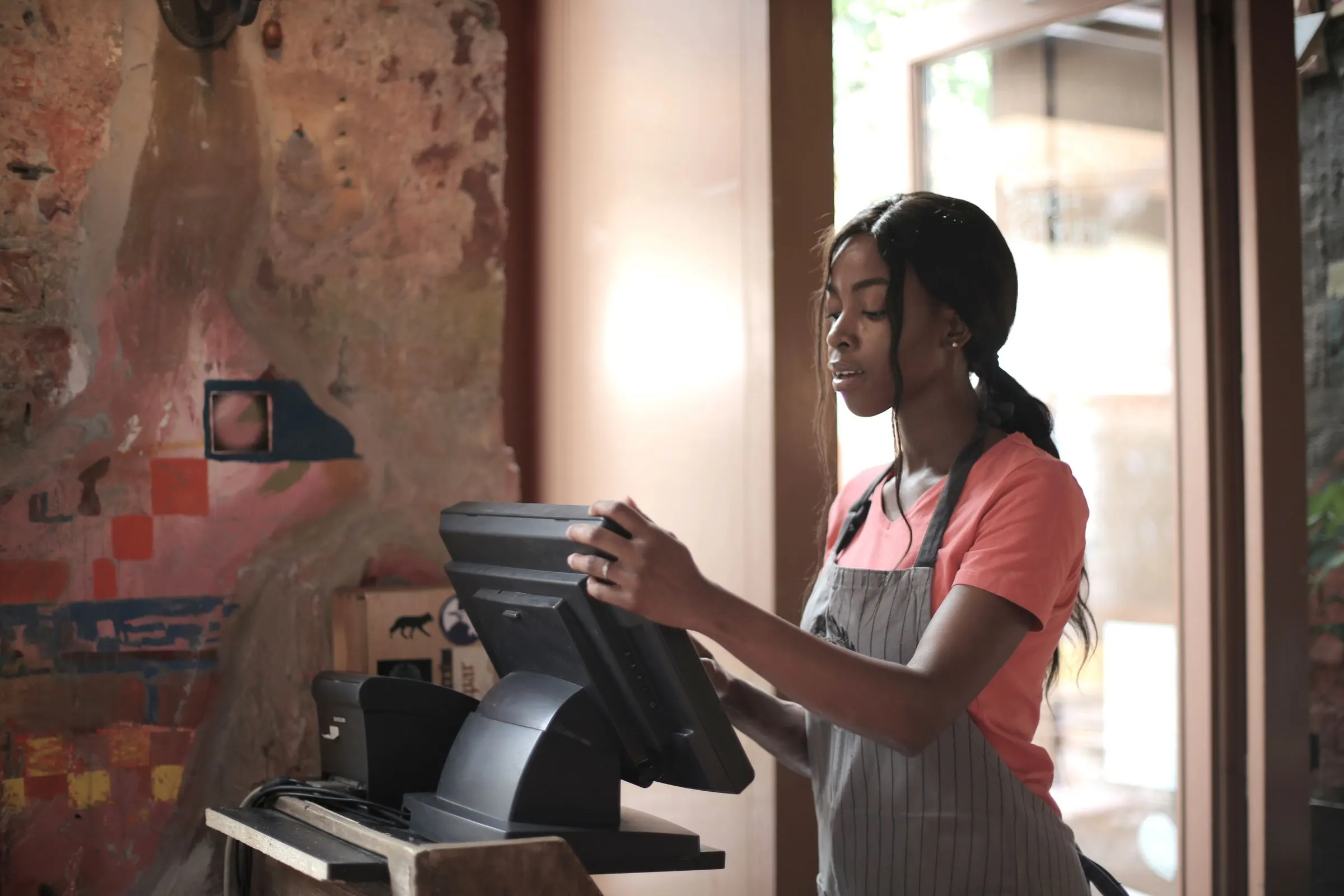
Because every service is already on the bill, the cashier does not have to rebuild it from slips. The patient sees one bill with every line on it, and the cashier records the payment against it. At the end of the day, collections can be checked against bills rather than against a notebook.
Who it suits
Billing is on every plan. The split with SHA and insurers comes with SHA and insurance claims on the Professional and Enterprise plans. It suits outpatient clinics and medical centres taking cash and M-Pesa all day, and Level 2–4 hospitals with a large share of SHA and insured patients. Read how to get SHA claims paid faster.
Key capabilities
What you can do with Billing & cashier
-
Running bill per visit
Services added as they are ordered or dispensed.
-
Clear statuses
Running, unpaid, partially paid, fully settled or void.
-
Patient and payer split
The patient's share apart from what SHA or the insurer owes.
-
Financial clearance
Services wait until paid for or covered.
-
Every payment method
Cash, M-Pesa, card, bank and insurance, with a reference.
-
Aging by payer
SHA and each insurer, with statements and CSV.
-
PDF documents
Bills, receipts and statements.
Related features
Works well with
-
 Money
SHA & insurance claims
Clinor is SHA claims software for Kenyan hospitals and clinics: on every SHA visit, each bill line becomes a claim line as it happens, and the claim is submitted to SHA electronically from Clinor. Private insurers follow the same claim statuses, and every decision and payment is tracked to the end.
-
 Money
KRA eTIMS
Clinor handles eTIMS hospital billing for you: every patient invoice and every pharmacy POS sale is transmitted to KRA eTIMS, with credit notes for refunds, waivers and voids. A transmission log with retries and reconciliation lets you check every transmission.
-
 Back office
Finance & accounts
Clinor's hospital finance software keeps your accounts, expenses and budgets in the same system as your billing. Expenses go through approval levels with separation of duties, budgets are checked against actual spending, and the finance overview shows where the money stands.
Free demo
See billing & cashier on a site like yours
A short walkthrough of a project budget, a requisition, a delivery and a casual roll-call, on a call or at your office. Book online, call or WhatsApp us and we will set a time that suits you.